Excellence In Emergecy Services
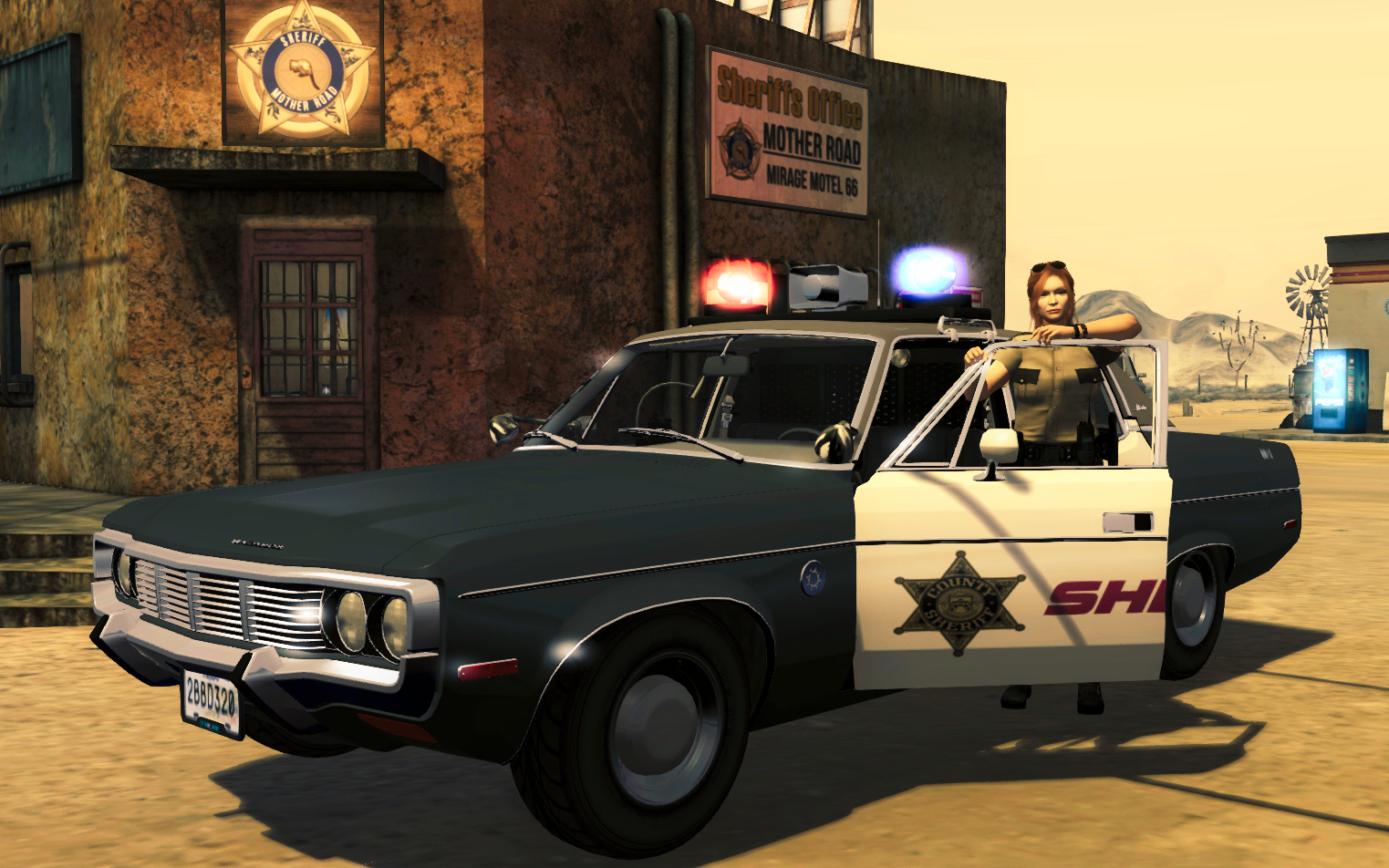
Vintage police and fire vehicle with all the features you expect from Starland. The perfect go to choice for your retro-themed regions.
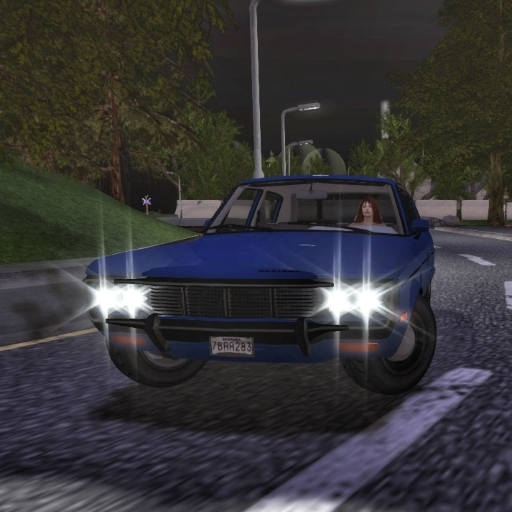
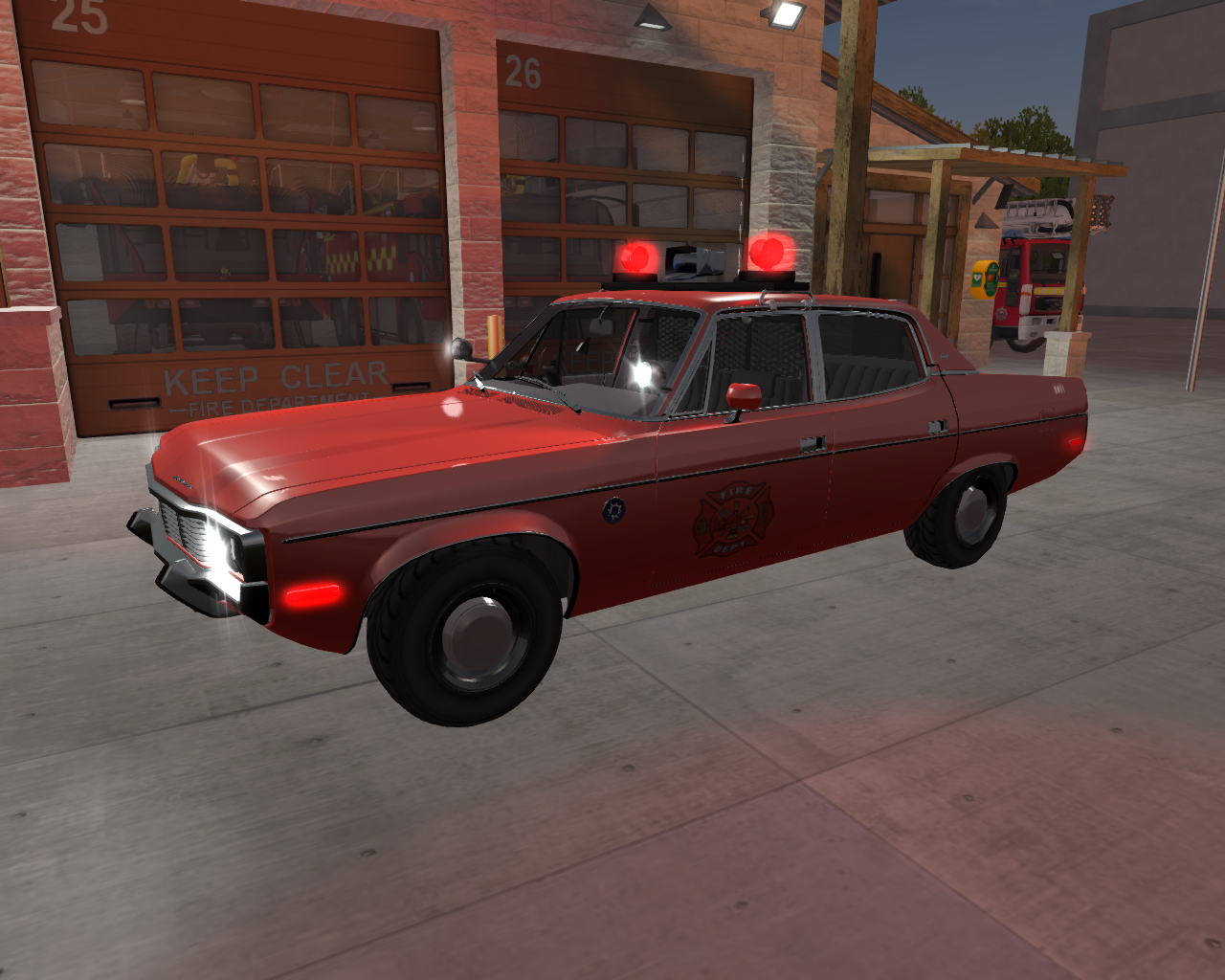
The Matador package includes a marked emergency services edition and an unmarked edition intended for public use.
Specifications
| Passenger Capacity | Four People total (driver + three passengers) |
|---|---|
| Transmission | Manual with 7 forward gears. Selectable automatic. |
| Cruise Control | Standard electronically controlled cruise system. |
| Windows | Full movement front/rear. |
| Doors | Four door, fully operational and lockable. |
| Paint Options | Includes our Generation 2 painter HUD which allows painting of different part groups. Body, Trim and multiple part of the interior can be painted different tones. Advanced users have the ability to change the groupings by adjusting the “Paintable Parts” notecard. |
| Instrument Panel | Speedometer and Odometer. Functioning fuel gauge and tachometer. Miles and fuel level are maintained within the car. Compatible with NTBS fuel. NOTE: due to design limitations of the mesh, KPH display is not available on the Matador speedometer. The HUD will still show kilometers if KPH is selected. |
| License Plates | Front and rear North America style license plates. Backgrounds for each of the six general/moderate SL continents plus an “SL Exempt” plate for government vehicles. Random plate number generated automatically on first rez. Custom number may be chosen from car menu. |
| Fuel | Gas powered and compatibile with GFS fuel system. Capacity can be adjusted or disabled in the configuration script. |
| Emergency Equipment |
|
| Additional Notes |
|
Touchy Stuff on Dashboard
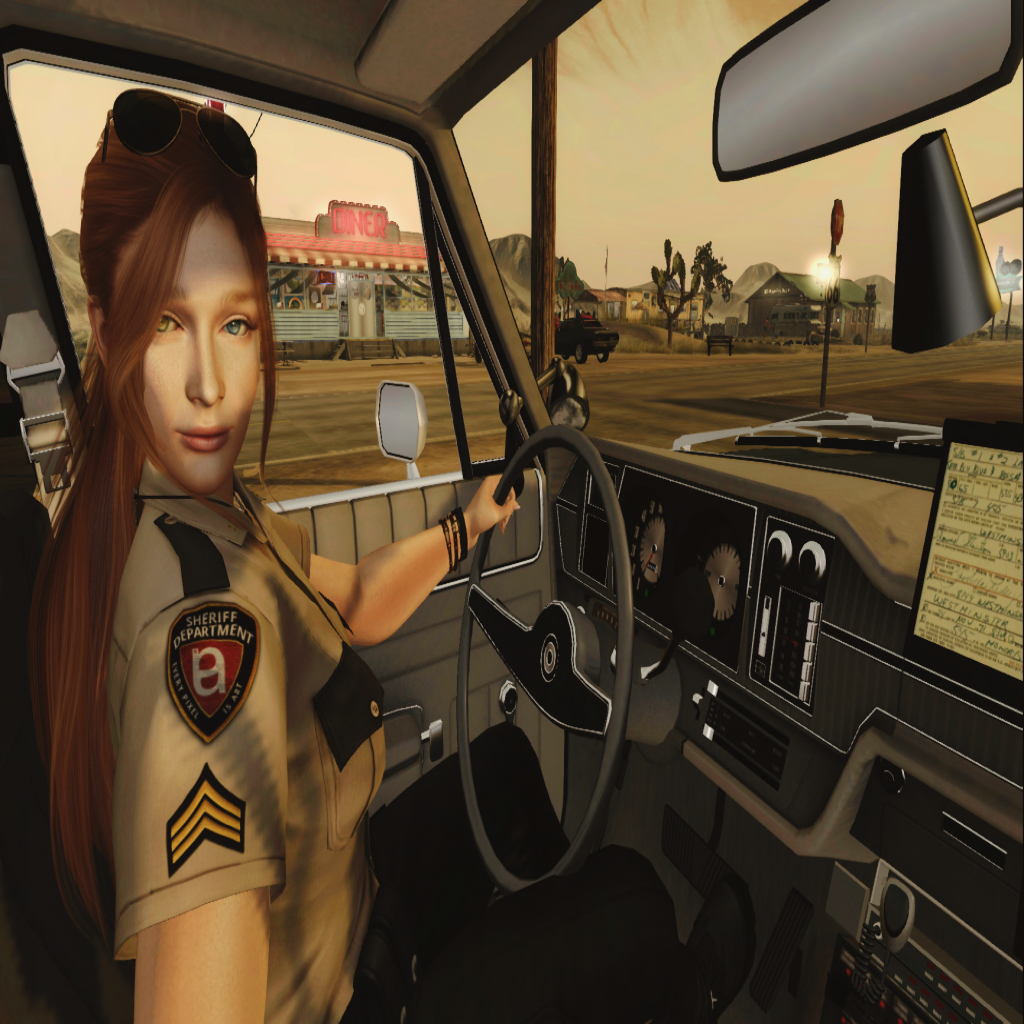
Mouselook drivers will be able to access some important functions on the dash while driving in mouselook.
Special Features
Emergency Lights and Siren
Light bar consists of two rotators with independent color selection. The siren menu is accessible by clicking on the siren speaker located on the center of the lightbar. The menu allows for selection of color for each of the rotors, as well as control of light and siren functions.
Toggles emergency lights on/off
Toggle siren on/off

Toggles lights and siren together.

Selects wail siren. Does not turn on or off. Green when active.

Selects yelp siren. Does not turn on or off. Green when selected.

Short burst of Yelp siren. If wail siren is on, it will pause while burst yelp sounds.
Turn right spotlight on or off.
Turn left spotlight on or off.
Set color of left rotor.
Options: Green, White, Red, Blue, Yellow.
Set color of left rotor.
Options: Green, White, Red, Blue, Yellow.
Hideable Parts
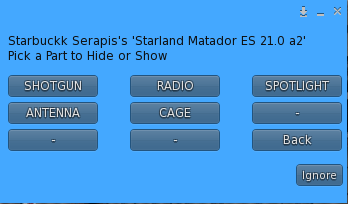
Several parts on the Matador Emergency Services model can be hidden from the Addons menu. To access this menu, open the car menu and select Addons – Parts.
Each button toggles the indicated part off or on. They remain attached but will not be visible.
Painting Your Matador
The Matador comes with both the Starland Painter HUD and the Starland Themer HUD. The themer includes three sample paint themes and a blank theme to clear the themed paints from the car to allow tint painting. More detailed instructions for the paint HUDS can be found at Painting and Theming on this site.
PSPImage and PSD files for the sample themes are downloadable from the button below. PSPIMAGE is recommended if you have access to Corel PaintShop Pro. The PSD file is an exported file from PSP.